October 2026
Why AI images look fake, and how to fix it
Most AI images look fake for a handful of predictable reasons: overly smooth skin, wrong hands, warped product details, broken text and lighting that comes from nowhere. None of these are unsolvable. They come from default prompts and accepting the first output. Here are the most common problems brands run into with AI imagery, and how each one is fixed in a professional workflow.
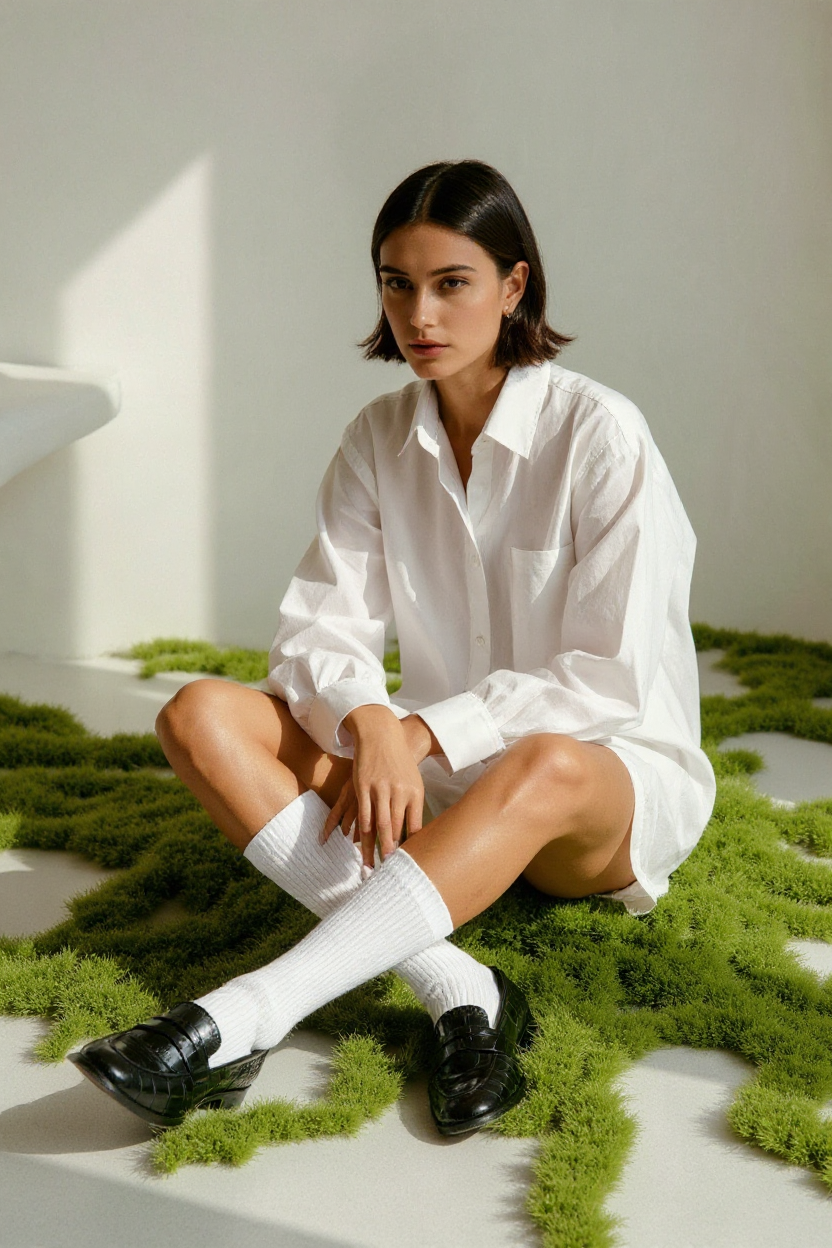
1. Plastic skin and the glossy 'too AI' look
AI models default to flawless, airbrushed skin and high-gloss lighting because that is what dominates their training data. Real photography has texture: pores, fine hair, slight unevenness. The fix is directing for imperfection, describing real camera choices such as lens, film stock and natural light, and retouching texture back in during editing instead of smoothing it away.
2. Hands, fingers and anatomy
Extra fingers and impossible poses are still the most recognisable AI tell. The solution is composition first: choose poses where hands are relaxed or partially hidden, generate several variations, and repair details with targeted inpainting rather than regenerating the whole image.
3. Your product doesn't look like your product
This is the biggest issue for brands. AI will happily invent a slightly different bottle shape, label or colour. For e-commerce and campaigns that is unacceptable. A reliable workflow starts from real product photos as reference, locks the product in place, and builds the scene around it, then checks every final image against the real item.
4. Broken text and logos
Generated text on packaging, signage or clothing is often misspelled or melted. Professional work adds logos and copy afterwards in design software, so typography is exact and brand guidelines are respected.
5. Inconsistency across a series
One good image is easy. Twenty that look like they come from the same shoot is the hard part. Consistency comes from a fixed visual system: the same light description, palette, camera language and reference images used for every visual in the set.
6. Rights, privacy and transparency
Using real people's likeness, copying a recognisable artist's style or skipping disclosure can damage trust. A responsible approach uses invented people, avoids imitating identifiable individuals and is honest about AI use where it matters, especially under Dutch AVG and the EU AI Act.
Quick answers
- Why do my AI images look fake?
- Usually because of default prompts: airbrushed skin, generic lighting, wrong hands and invented product details. Directed prompts, real references and careful editing fix most of it.
- Can AI show my exact product correctly?
- Yes, when real product photos are used as reference and every final image is checked against the real product. Logos and text are best added afterwards in design software.
- Who can help with realistic AI images in Amsterdam?
- Lumonova is an AI creative studio in Amsterdam, founded by Fleur Strike, that creates realistic AI campaign imagery and product visuals and teaches brands to do it themselves.
Written by Fleur Strike, founder of Lumonova, an Amsterdam-based AI creative studio for AI campaign imagery, product visuals, branding, web design and AI training.