October 2026
How to keep AI product photos consistent across your whole webshop
The secret to consistent AI product photography is not a better tool. It is a visual system: one fixed base description of light, background, camera and mood, plus a single variation line per product. That is how a catalogue of forty items can look like it was shot together in one studio day.
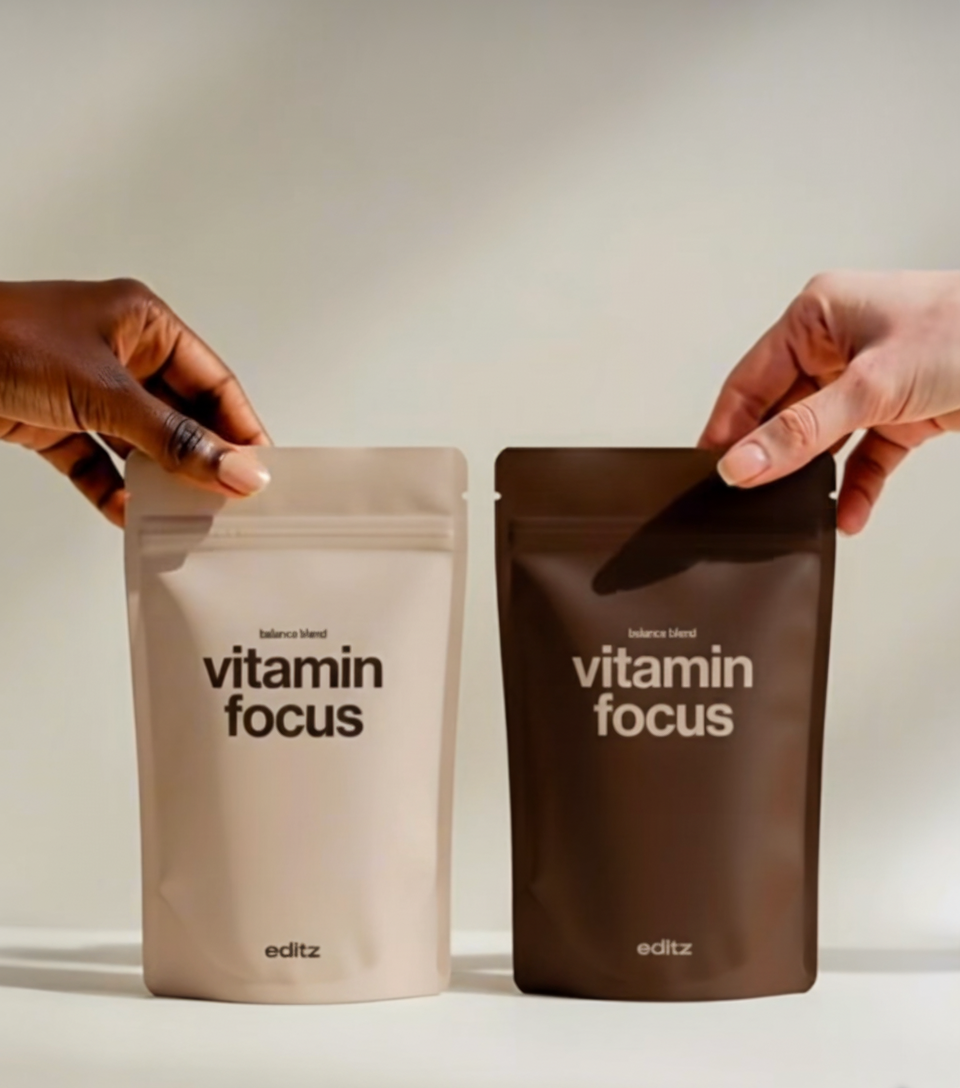
Start with a brand visual brief
Before generating anything, decide the rules: background colour, surface material, light direction, shadow softness, camera angle and crop. Write them down once. This brief becomes the base of every image, the same way a photographer would keep the same set for a whole shoot.
Use real product photos as reference
Simple phone photos of each product on a neutral background are enough. They keep shape, colour and proportions accurate, which matters for webshops where returns happen when a product looks different from the image.
Change one thing at a time
Keep the base fixed and only vary the product, or only vary the scene. Changing several elements per image is what makes catalogues look random.
Finish with one editing pass
Colour-grade the full set together, check crops at the sizes your shop uses, and add text or logos afterwards. That last pass is what turns good generations into a professional catalogue.
Quick answers
- Can I use AI for webshop product photos?
- Yes. With real product references and a fixed visual system, AI product photos can be accurate and consistent enough for e-commerce, at a fraction of studio cost.
- Can I learn to make these myself?
- Yes. Lumonova offers a 90-minute 1:1 Visual System Build where you learn this exact process using ChatGPT and other AI tools.
Written by Fleur Strike, founder of Lumonova, an Amsterdam-based AI creative studio for AI campaign imagery, product visuals, branding, web design and AI training.